
Vela Clean
Your files.
Your space.
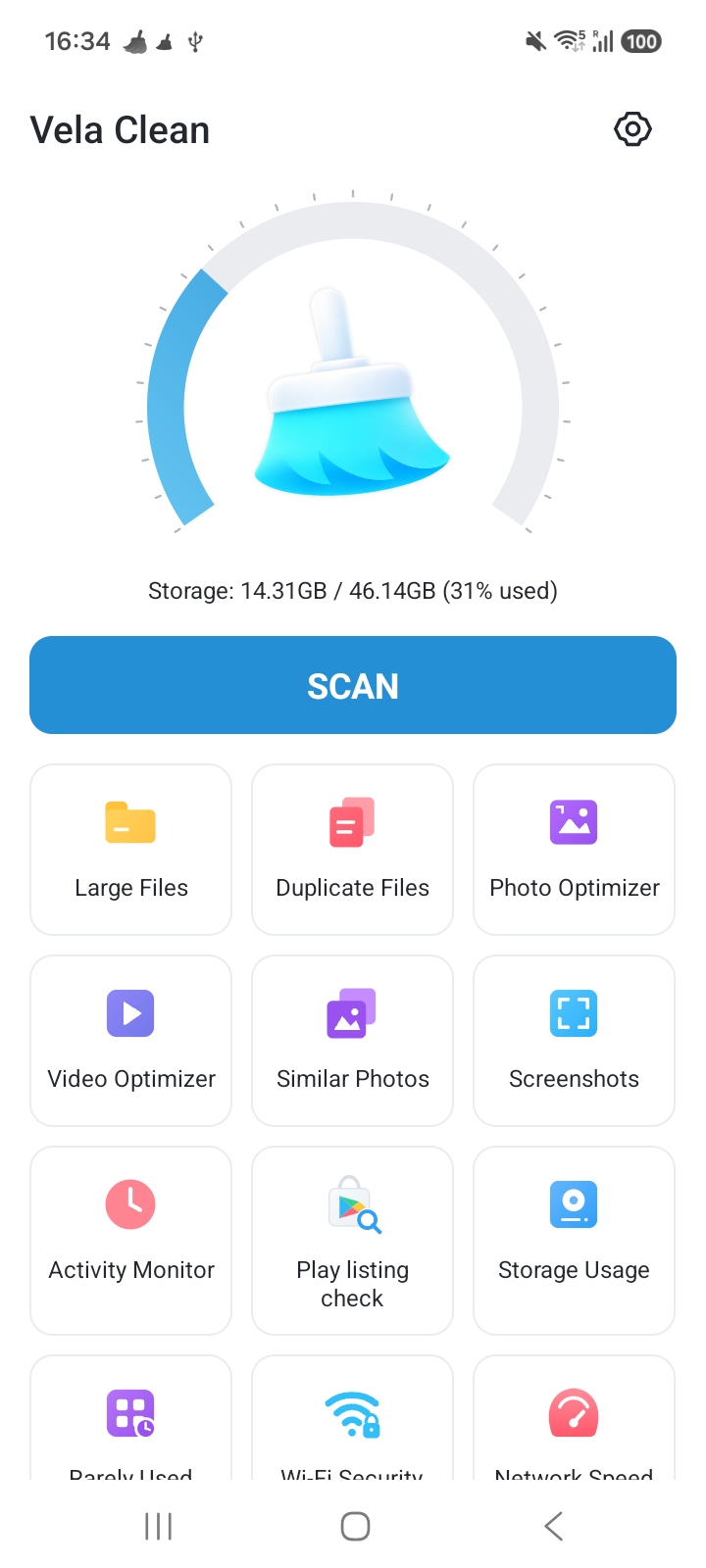
Review files, organize photos and explore
practical storage tools for Android.
For Android Contains ads
01 / YOUR EVERYDAY TOOLKIT
Less searching. More space.
Find what is taking up space, then decide what stays.
Screens show examples. Storage and network results depend on your device and conditions.
A little review goes a long way.
Scan your storage
Give the access your tools need, then see what is taking up space.
Review the results
Take a closer look. Keep the files that matter and back up important ones.
Choose what to clean
Select what you no longer need and confirm your cleanup in the app.
Your files.
Your call.
File scans, comparisons and compression happen on your device. Review the results and choose which files to remove.
The app uses advertising and analytics services, and network tools connect to external services.
Read our Privacy Policy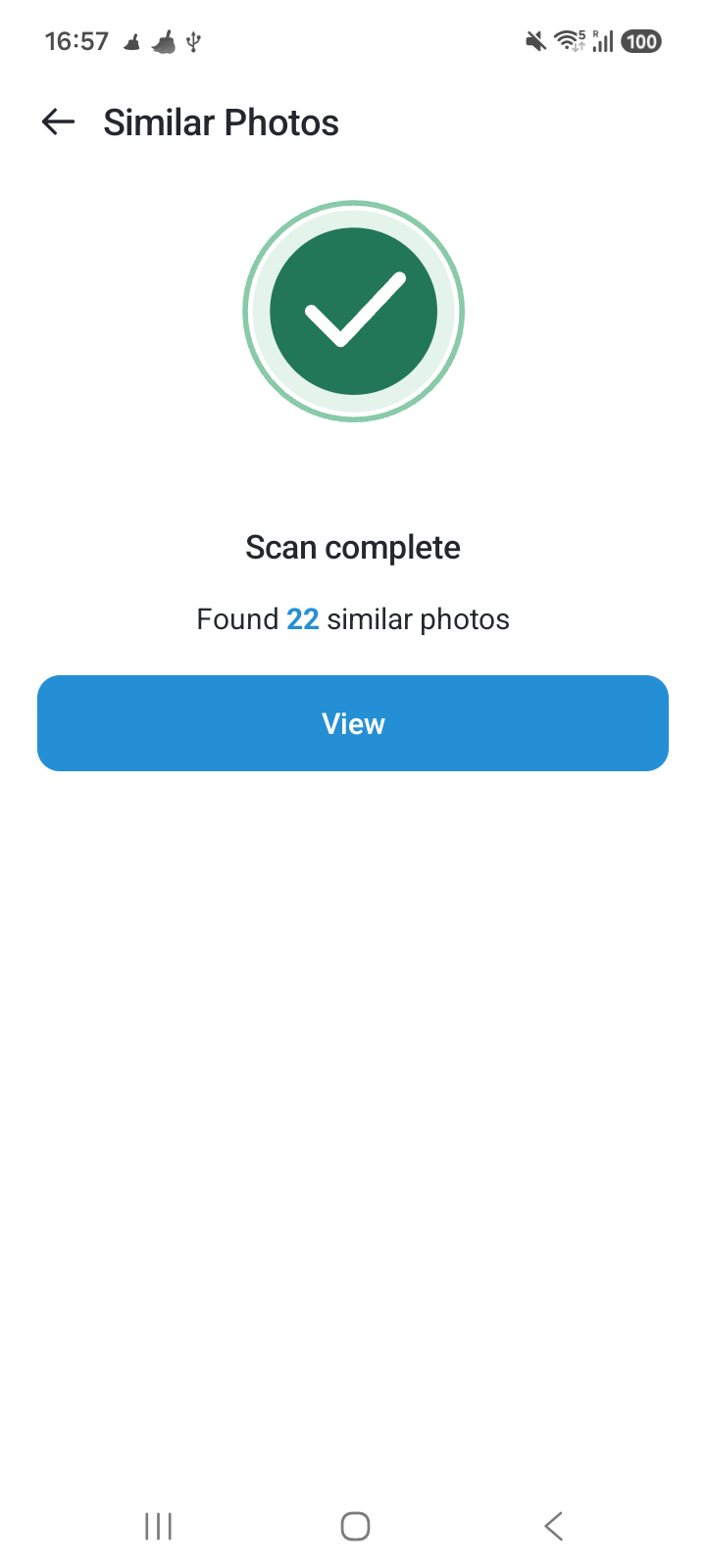
A few things to know.
What can I do with Vela Clean?
Review large files, duplicate files, similar photos and screenshots. Compress selected photos and videos, and review save options before replacing an original. Available results depend on Android version, permissions and device conditions.
Which permissions do the tools need?
File and media tools need access to the relevant files. Usage Access enables app-use information. Home-screen features are available when you choose Vela Clean as your default home app. You can manage access in Android settings. The app contains ads.
How does Vela Clean handle my files?
File names, paths and relevant media content are processed on your device for scanning, comparison, compression and selected deletion. Advertising, analytics and network tools make separate connections. Read our Privacy Policy for details about permissions, providers and your choices.
Make room for what matters.
Review what takes up room and choose what stays.